Follow these steps to add hyperlinks to your website or funnel pages:
Navigate to Your Content:
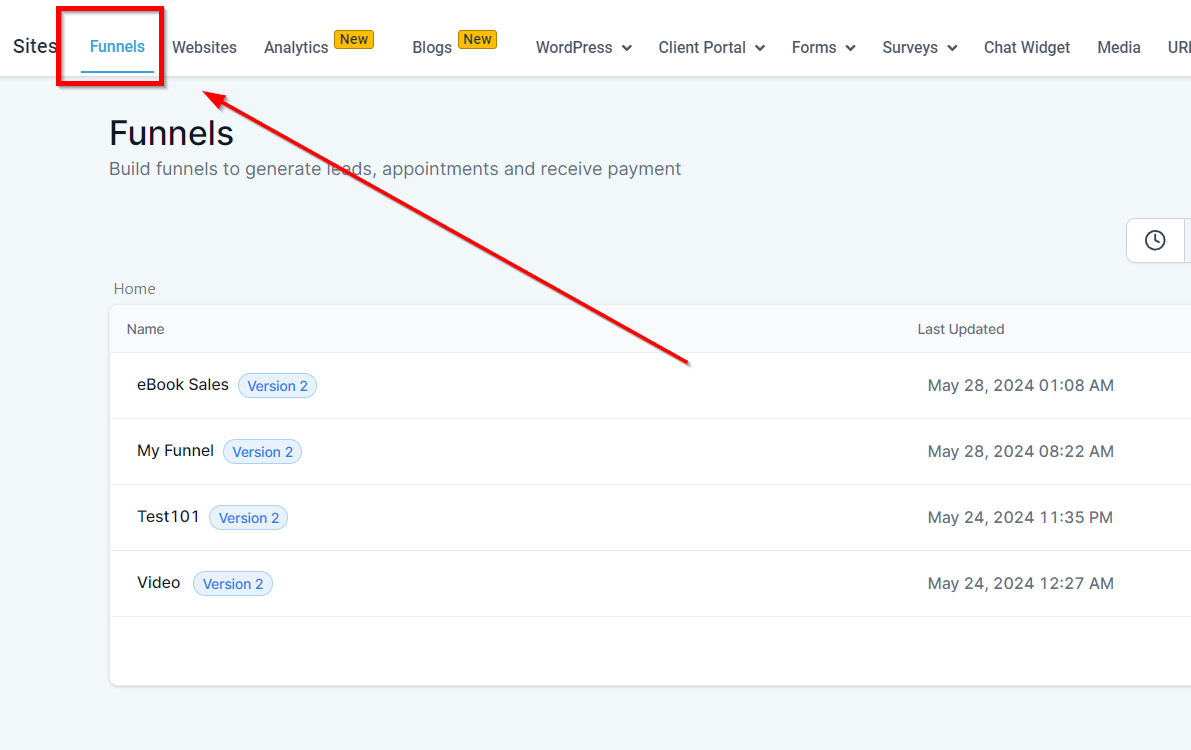
- Go to the ‘Sites’ section within the CRM.
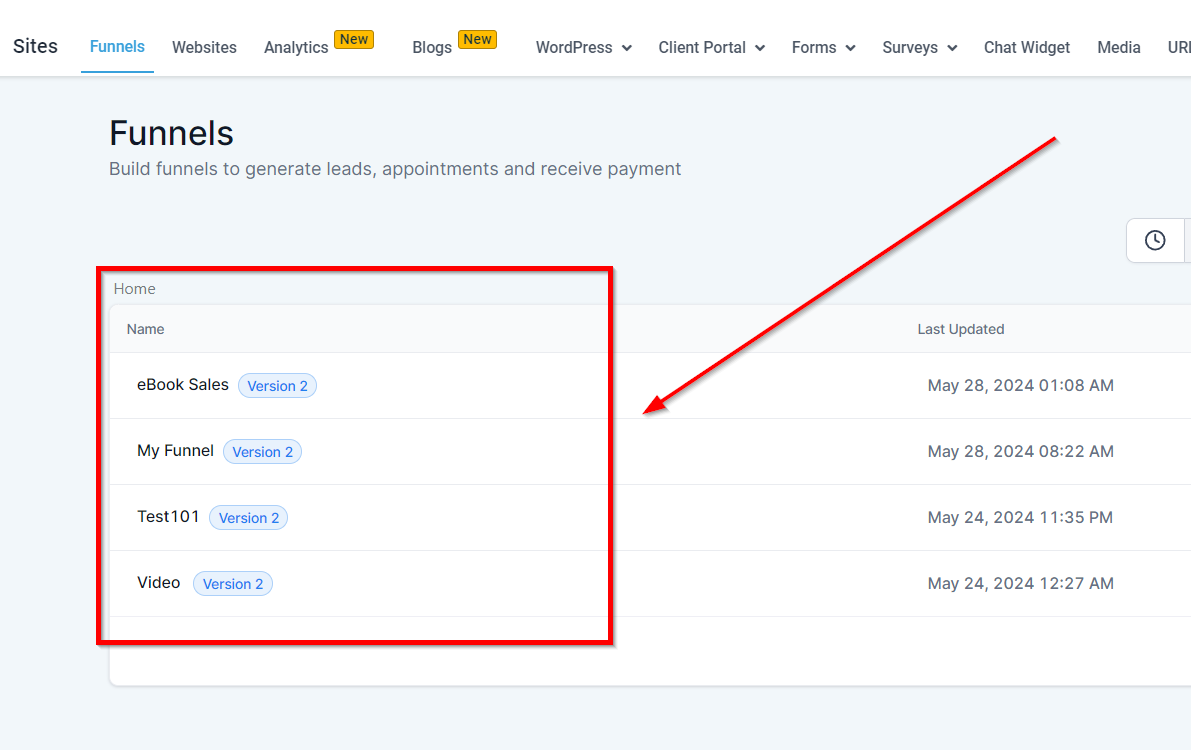
- Choose either a ‘Funnel’ or ‘Website’ that you want to edit.
Access the Page Editor:
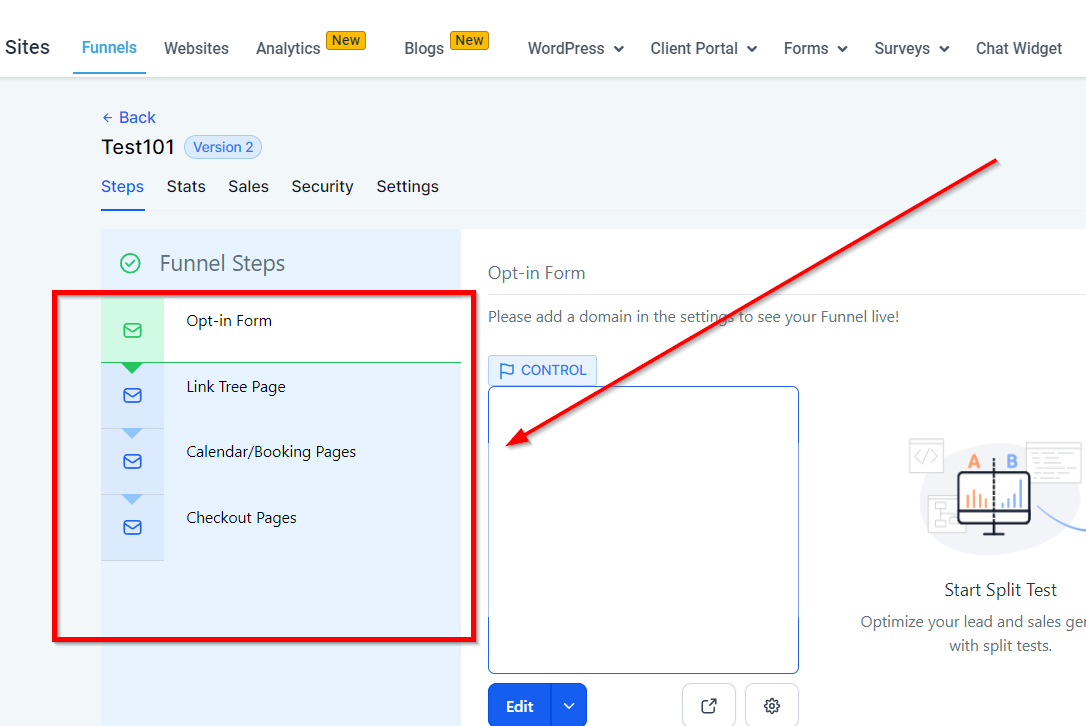
- Find the page you wish to edit and click on the edit icon. This will open the page in the builder interface.
Highlight the Text for the Hyperlink:
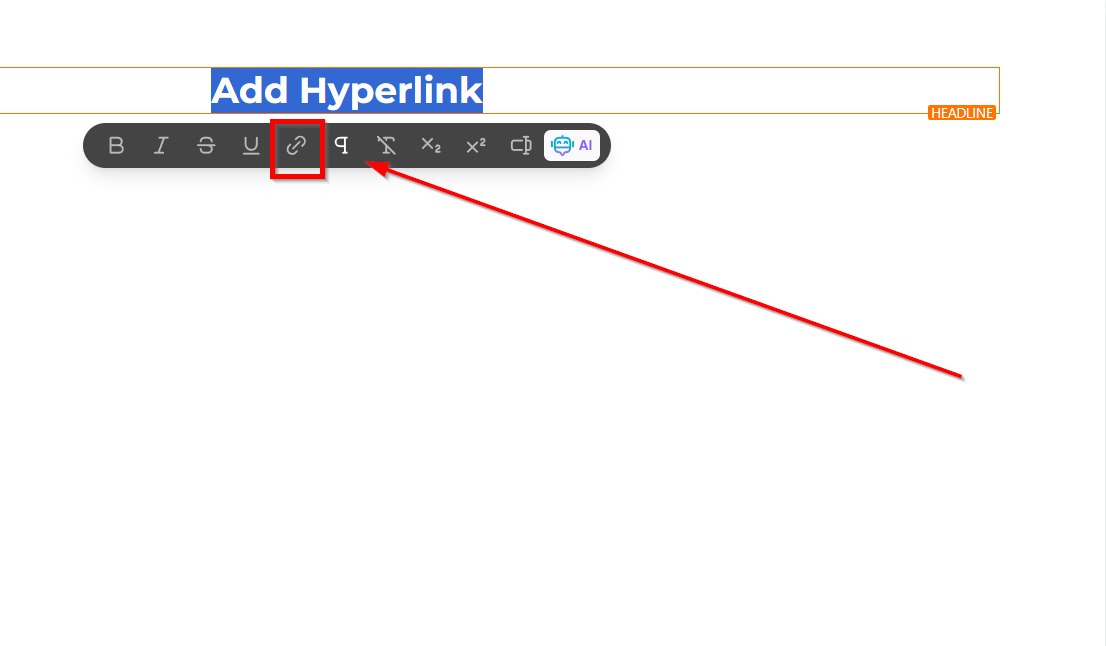
- In the builder, click on the text you want to turn into a hyperlink. A small menu will appear at the top of the screen.
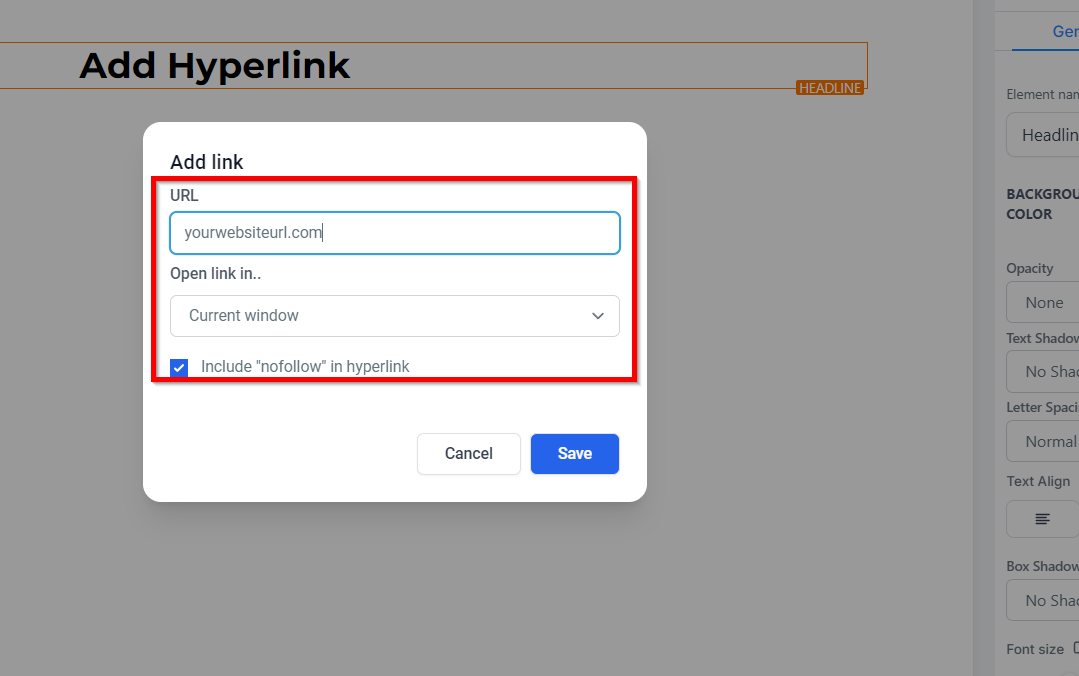
- Click on the hyperlink icon (it looks like a chain link) in this menu. A popup window will appear.
Configure Your Hyperlink:
- In the popup window, enter the URL (web address) you want the hyperlink to direct to.
- Decide whether you want the link to open in the current window or a new window by selecting the appropriate option.
- For SEO purposes, you can choose to include the ‘nofollow’ attribute by checking the ‘Include nofollow in hyperlink’ option. This tells search engines not to follow this link.
Save Your Hyperlink:
- Click ‘Save’ within the popup to add the hyperlink to your text.
Save Your Page:
- After adding the hyperlink, click ‘Save’ in the top right corner of the builder to save all changes made to your page.
Test Your Hyperlink:
- Hover over the newly created hyperlink to see the URL. You can also preview or publish your page to test the link in action.
Troubleshooting and FAQs
My hyperlink isn’t working. What should I do?
- Double-check the URL you entered for accuracy. Ensure there are no typos and that the link starts with http:// or https://.
Can I add hyperlinks to images?
- Yes, the process is similar. Instead of highlighting text, click on an image and look for the hyperlink option in the menu.
How do I remove a hyperlink?
- Click on the text or image with the hyperlink, then click the hyperlink icon in the menu. In the popup, you’ll have an option to remove the link.